
Make the AI Tell You What It’s Guessing
This guide expands practice #3 of PG-000: 10 Things Every AI User Should Do.
A practitioner guide for making AI uncertainty visible in the output
Why this guide exists
AI systems present everything in the same confident tone. A fact the system is sure of and a guess it is filling in to keep the response flowing look identical on the page. The prose carries the same rhythm, the same level of detail, the same air of authority. You cannot tell from the writing which parts the system actually knew and which parts it inferred to make the response sound complete.
This is a structural problem, not a stylistic one. The system does not have a separate confident tone for things it knows and a hedged tone for things it is guessing. Both come out the same.
The practical effect is that readers cannot calibrate their trust. Every claim gets the same weight, which means either everything is trusted (and some guesses pass for facts) or everything is doubted (and the useful parts of the response are dragged down with the guesses). Neither is what you want.
This guide is a procedure for making the AI mark its own uncertainty so the calibration becomes possible.
A caveat upfront: this procedure does not give you accurate uncertainty estimates. AI systems are not reliable at knowing what they do not know. A claim the AI marks as uncertain may be correct; a claim it leaves unmarked may be wrong. But asking explicitly for uncertainty markers consistently produces more honest output than not asking, even when the markers are imperfect. The markers are useful as a redirection of your attention, not as a calibrated confidence score.
The core failure mode: uniform confidence
Several things look the same in AI output that should not:
- A fact the system has high confidence in
- A reasonable inference from context
- A guess to fill a gap in what the system knows
- An extrapolation from a different but related case
- A pattern-matched answer that sounds right but is not anchored in anything specific
All five come out as declarative sentences. The reader has no way to distinguish them.
An AI that flags its uncertainty honestly is more useful than an AI that hides uncertainty under uniform confidence — even if both are technically guessing the same amount.
When you must use this procedure
Use this procedure whenever:
- The output will inform a decision, especially a decision you cannot reverse
- The output contains specific factual claims, names, dates, numbers, or attributions
- The topic touches on recent events, niche domains, or technical specifics where the AI may have partial training
- You plan to repeat any part of the output without checking it first
The threshold is "I do not want to be unable to tell the difference between what the AI knows and what it is filling in." That covers most professional use.
The procedure
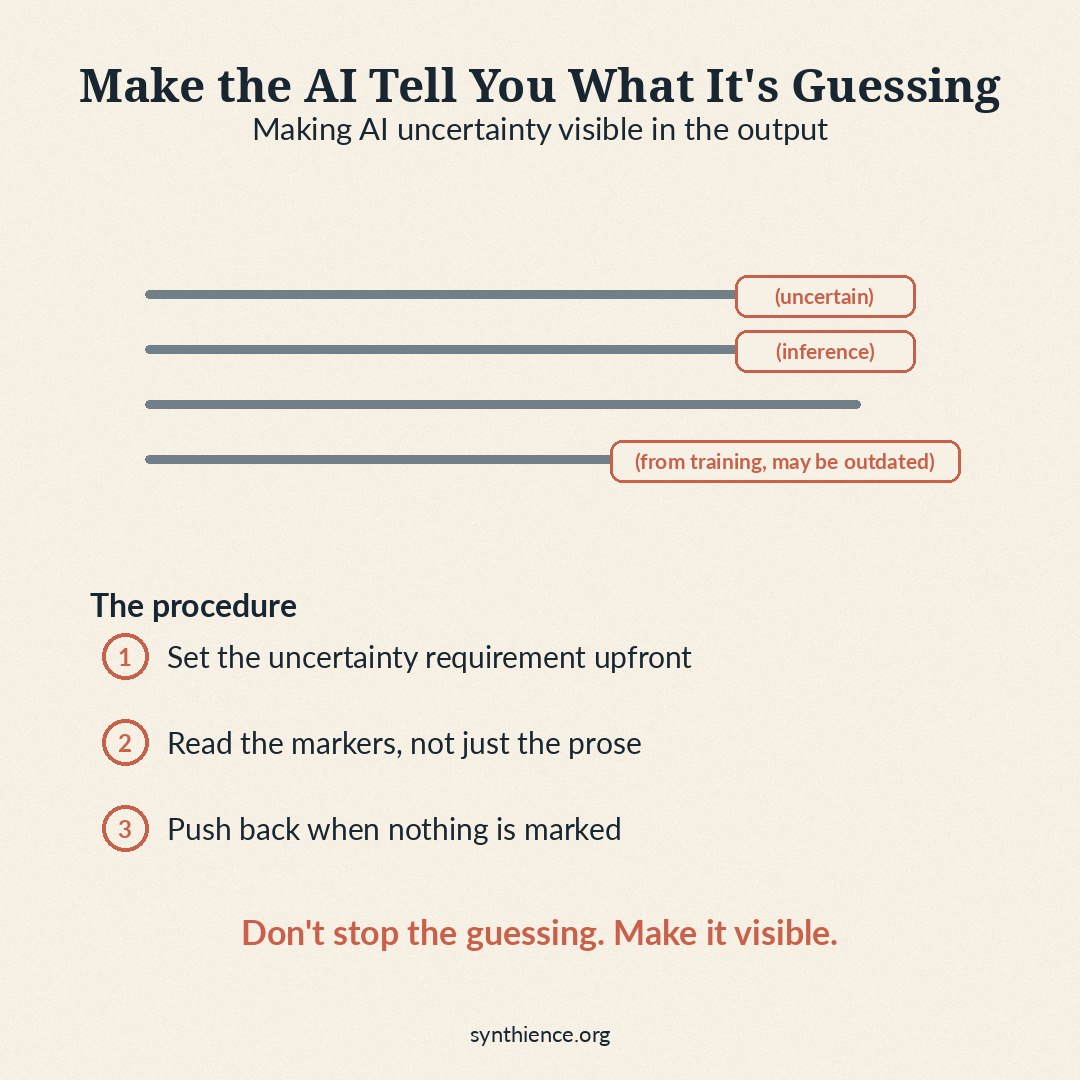
The principle is to make uncertainty an explicit output requirement, not a stylistic choice the AI may or may not exercise.
Three steps.
Step 1 — Set the uncertainty requirement upfront
Before asking your question, instruct the AI to label uncertainty as part of the response format. Doing this upfront works better than asking after the response arrives, because the AI tends to maintain the confident tone of the original answer when asked to retrospectively flag uncertainty — the labeling becomes performative rather than substantive.
The reason for explicit markers rather than a vaguer instruction ("flag uncertainty") is that vague instructions produce vague responses. Concrete markers force the AI to make a discrete choice for each claim.
Step 2 — Read the markers, not just the prose
When the response arrives, do not skim past the uncertainty markers. They are the signal you asked for. If the AI flagged a date as uncertain, do not repeat the date without checking. If the AI flagged an attribution as an inference, do not treat it as established. The markers exist to redirect your attention to the parts of the response that need verification before they are used.
The temptation is to read past the parentheticals because they break the flow. Resist. The parentheticals are doing the work.
Step 3 — Push back when nothing is marked
If you set the uncertainty requirement upfront and the response comes back with no markers at all, that is a signal — not a clean bill of health. Almost every response of meaningful length contains some inference. A response with zero markers usually means the AI did not actually apply the instruction.
A genuinely uncertainty-free response is rare. If pushed, an honest AI will usually find something to mark.
What good AI responses look like
An AI applying uncertainty markers usefully will produce responses like:
- “The company was founded in 1998 (uncertain — might be 1997 or 1999, I’d check the official source) by three engineers from Stanford.”
- “The most likely cause is a misconfigured caching layer. (Inference from the symptom description; could also be a database connection pool issue.)”
- “Most of what follows about this specific tool is from my training data and may be outdated; verify against current docs before relying on any specific feature.”
- “(Not directly known — my confidence here is low.) The standard interpretation in this field is…”
The marker is short. It does not dominate the response. It does tell the reader where to look more carefully.
An AI failing to apply uncertainty markers usefully will produce:
- No markers at all, despite the upfront request
- Vague hedging that applies to the whole response rather than specific claims ("some of this may be uncertain")
- Markers on trivial things while presenting bigger guesses as facts
- So many markers that the response becomes unreadable, which is usually a sign the AI does not really know what it is doing on the topic and is signaling that fact through theatrical hedging
The last one is informative. A response that hedges everything is often telling you the topic is outside the system’s reliable range. The right move is usually to ask a more focused question, find a better source, or accept that the AI is not the right tool for this question.
Key rules
- Set the uncertainty requirement before the question, not after the answer
- Require explicit markers, not vague hedging
- Read the markers; they are not decoration
- Push back when nothing is marked — zero-marker responses are almost always wrong
What this procedure protects
Following this method protects against repeating AI guesses as facts, building work on top of inferences without realizing they are inferences, missing the parts of a response that warrant a quick verification, and falsely calibrating your trust in AI output as a whole (either too high or too low). It also slowly trains you to notice the difference between the prose patterns of confidence and the actual confidence the system has, which is useful even on responses where you forgot to set the requirement upfront.
What this procedure does not do
This method does not give you a calibrated probability for each claim — AI systems are not reliable at estimating their own confidence numerically. It does not guarantee that flagged claims are actually wrong or that unflagged claims are actually right. And it does not eliminate the need for source-checking on important claims; it just tells you where to start.
When in doubt
If you are unsure whether a response needs uncertainty markers, set the requirement and ask anyway. The cost is one extra sentence in the prompt. The benefit is a response where the AI’s lower-confidence claims are at least flagged for your attention. There is essentially no downside to having uncertainty marked when it turns out not to matter, and a real downside to having it hidden when it does.
Guides covering the foundational skills for working reliably with any AI system.
- PG-000: 10 Things Every AI User Should Do
- PG-001: How to Work Reliably With Conversational AI Over Time
- PG-002: AI-Assisted Editing Without Silent Loss
- PG-003: Verify Before You Work
- PG-004: You Are Accepting the First Adequate Answer
- PG-005: Your AI Updated the File. Did It Preserve What It Didn’t Touch?
- PG-009: Make the AI Show You the Source
- PG-010: Don’t Trust What the AI Says About Its Own Work
- PG-011: The Cross-AI Adversarial Review Protocol
- PG-012: Make the AI Tell You What It’s Guessing (this guide)
New articles in full, plus a short note on each new paper, by email: Subscribe on Substack →
Further reading
Uncertainty-flagging is closely connected to two adjacent practices. Asking the AI to mark its uncertainty addresses the surface of a response. Verifying specific claims that the AI marked as uncertain — especially attributions and citations — is the follow-through. The companion guides below cover the verification steps that begin where this guide ends.
- PG-009: Make the AI Show You the Source — verification procedure for claims attributed to specific sources, which are among the highest-value uncertainty markers to investigate.
- PG-010: Don’t Trust What the AI Says About Its Own Work — the broader principle of substituting evidence for AI self-report. Uncertainty marking is a specific case: the AI is reporting on its own confidence, which is itself a kind of self-report.
- PG-004: You Are Accepting the First Adequate Answer — the practice of having the AI run an internal review pass, which pairs naturally with uncertainty marking: the review pass is where weak claims get either strengthened or flagged.
Full framework documentation available at the Synthience Institute community on Zenodo.