
10 Things Every AI User Should Do
A reliability baseline for any AI system, any platform, any task
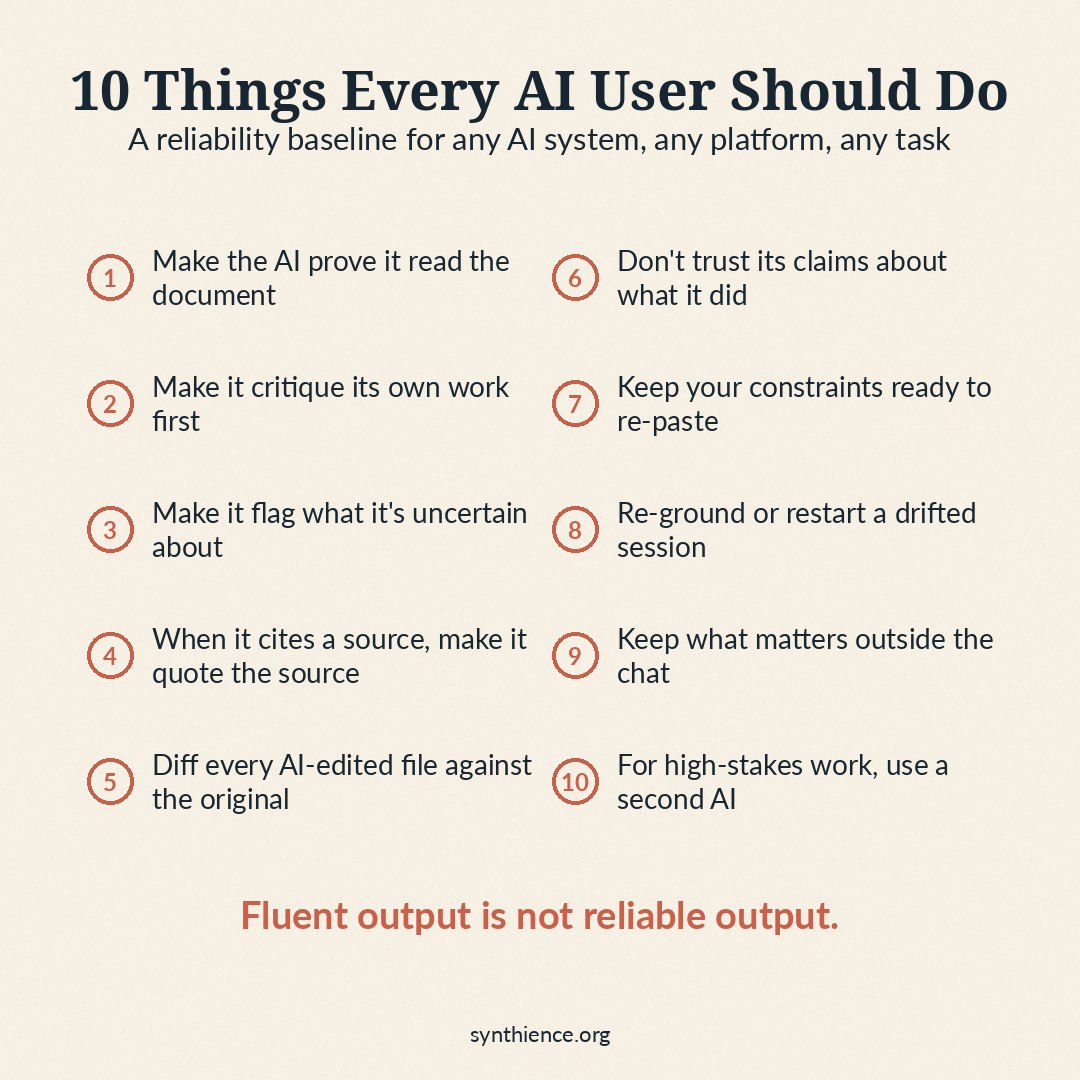
AI systems fail in predictable ways. They claim to have read documents they only skimmed. They give you the first answer that sounds good rather than the best answer they could produce. They edit one part of a file and quietly change another. They make confident claims about their own behavior that turn out not to be true.
These are not rare edge cases. They are recurring failure modes across major AI systems in professional use, and they cause real failures in real work that often go unnoticed until later.
The good news is that you can reduce many of these failures with ten habits. They are short, concrete, and work on any AI system you are likely to use. Most take only a few seconds to apply in any prompt.
The ten practices
1. Make the AI prove it read the document.
Problem: When you upload a file, the AI often hasn't fully read it. It produces a fluent-sounding response built from whatever it scanned plus reasonable guesses to fill the gaps.
Solution: Before relying on the AI's answer, make it summarize the document's structure and identify specific details. If the summary could have been written without your file, the AI didn't actually read it.
2. Make the AI critique its own work before giving it to you.
Problem: The AI stops at the first answer that sounds adequate. That is almost never its best work, just its fastest acceptable work.
Solution: Tell it to evaluate its own draft and improve it before responding. This gives the system an explicit opportunity to check for omissions, weak reasoning, unsupported claims, and unclear language before you see the answer.
3. Make the AI flag what it's uncertain about.
Problem: AI presents guesses with the same confident tone as facts. You cannot tell from the writing alone which parts are solid and which parts the AI was filling in.
Solution: Require the AI to label uncertainty explicitly. This does not eliminate guessing, but it tells you where to double-check before acting.
4. When the AI cites a source, make it quote the source.
Problem: AI doesn't only fabricate sources that don't exist. More commonly, it cites real sources but misrepresents what they actually say.
Solution: When the AI attributes a claim to a document, report, person, or organization, ask for the exact wording from the source. If it cannot produce the supporting quote or a precise pointer to where the source says it, do not rely on the citation without checking it yourself.
5. Diff every AI-edited file against the original.
Problem: When you ask the AI to edit a file, two failures happen quietly. The edit you asked for may not have happened cleanly. And sections you did not ask to change may have been silently reworded, compressed, or dropped.
Solution: Always keep the original file. After the edit, give both versions back to the AI and ask for a structured comparison, not a reassurance.
6. Don't trust the AI's claims about what it did. Require evidence.
Problem: When you ask if it completed a task, the AI will say yes. When you ask if it read the whole document, it will say yes. These are not reports of what actually happened. They are predictions of what a good response sounds like.
Solution: When the AI tells you it did something, ask it to show the work. For any claim about its own process, require concrete evidence: a quote, a specific reference, a structured comparison. Then check that evidence against the actual source before treating the claim as verified.
7. Keep your constraints somewhere you can re-paste them.
Problem: Constraints you give the AI early in a conversation quietly lose force over time. You may tell the AI at turn three to always flag uncertainty, and by turn twenty it has stopped doing so without ever announcing the change. The outputs still sound fluent. The rule is just no longer being applied.
Solution: Keep your key constraints in a separate note or document, not just in the chat. Re-paste them periodically, especially before any important task.
8. Re-ground or restart when a long session has drifted.
Problem: The longer a conversation goes, the more the AI's understanding drifts away from what you originally told it. Outputs sound just as fluent, but they are increasingly built on a degraded version of your context.
Solution: When a session starts producing answers that feel slightly off, do not try to push through. Either re-paste the key context and constraints, or start a fresh session with a clean summary.
9. Keep the things that matter outside the chat.
Problem: Sessions get lost, context windows fill up, and AI systems do not give you reliable access to past conversations. If the only copy of important work lives inside a chat, it is one click away from gone.
Solution: Save your inputs, your outputs, and your key prompts to ordinary files outside the chat. Use the AI as a working tool, not a filing system.
10. For high-stakes work, run the AI's output past a different AI.
Problem: An AI is unlikely to catch its own systematic mistakes. A second AI, especially on a different platform, often catches errors the first one missed, particularly fabricated citations, misrepresented sources, and unsupported factual claims.
Solution: For any output that will be used in a real decision, copy it into a second AI system and ask for adversarial review. This is the AI version of a second opinion. Treat the second AI's findings as leads to investigate, not as ground truth. Errors from different systems overlap more than people assume, and a clean second pass is not the same as a verified one.
The shortcut
If you are only going to copy one thing, copy this. It does most of the work of practices 1, 2, 3, 4, and 6 in a single prompt. Paste it before any important AI task.
1. If I gave you source material, summarize its main sections and identify three specific details that would be easy to miss.
2. Do one internal review pass on your draft before responding.
3. Mark any claim where you are uncertain, inferring, or working from incomplete information.
4. For any claim you attribute to a source, quote the exact passage. If you cannot produce the quote, say so.
5. After the work is complete, give me a short reliability note: what you did, what you preserved, what you are confident about, and what may need human review.
This master prompt does not replace the file-management and session-management practices above. You still need to keep originals, save important work outside the chat, re-paste constraints when needed, and use a second AI review for high-stakes work.
The underlying rule
The ten practices above exist because AI systems sound the same whether or not they did the work correctly. You cannot tell from the prose. You have to make the working process visible enough to check.
None of these practices require technical skill. None of them require special tools. They cost a few seconds each, and they can reduce many of the avoidable failures that hit professional AI users every week.
If one of the practices above resonates with a problem you have actually hit, the full guides go deeper.
New articles in full, plus a short note on each new paper, by email: Subscribe on Substack →
Want to go deeper?
The ten practices above are distilled from the Synthience Institute's verification stack, a set of four research papers that formalize the underlying failure modes and the protocols designed to prevent them. The papers are intended for researchers and AI governance practitioners, not for everyday users, but they are publicly available for anyone who wants the full technical treatment.
- SF0037: Citation Verification Protocol (CVP) — how to verify that cited sources exist and actually support the claims attributed to them.
- SF0038: Ingestion Verification Protocol (IVP) — how to confirm that an AI system has genuinely processed a document, not just claimed to.
- SF0039: Context Representation Drift (CRD) — why AI fidelity to your original context erodes over a long session, and how to detect it.
- SF0040: Theoretical Coherence Assurance Protocol (TCAP) — how to stress-test AI-produced material before relying on it.
Full framework documentation available at the Synthience Institute community on Zenodo.
Correction
Corrected October 5, 2026 (version 1.2). The paragraph above called the four papers the Institute’s “Verification Vertical”, an internal working name. Their public name is the Synthience verification stack, and the paragraph now uses it. Nothing else changed.